
Abeco features: everything to book, manage and grow
Online booking 24/7, QR check-in, client management, payments, reminders and reports — all in one Abeco account, with Abeco AI built in.
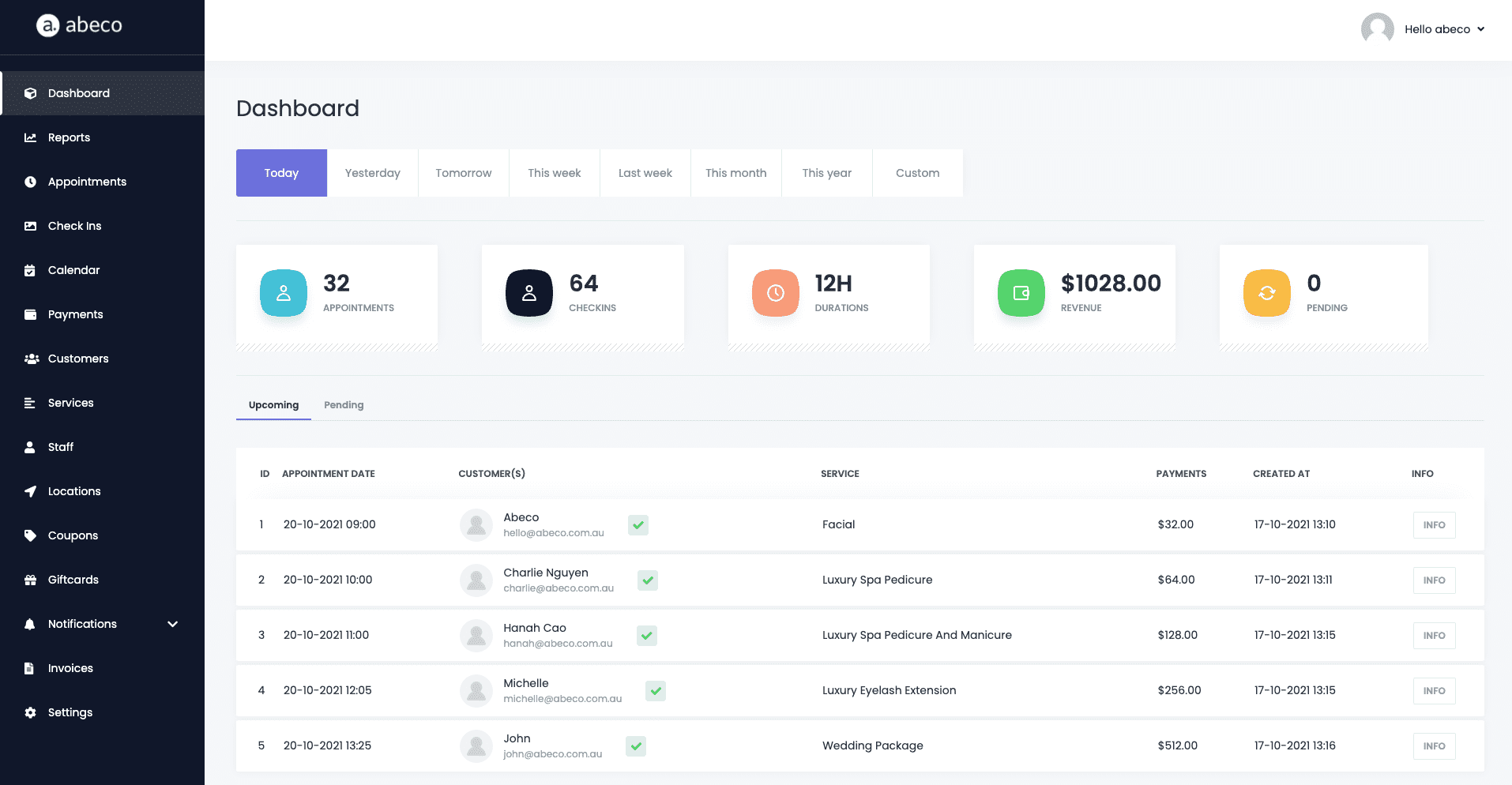
No iPad, no worries
Your clients book, check in and pay from their own phones — you run everything from a browser.
Check In With QR Code
Our check-in feature helps business owners keep track of who attends the venue with a unique QR code. Checked-in customers are saved into Abeco to help you run your business effectively — no kiosk or tablet required.
- Print the code for your counter, door or reception desk
- Walk-ins and booked clients both supported
- Check-ins feed straight into your reports and client history

Online Booking 24/7
Our booking feature is flexible enough for a wide variety of businesses. Clients pick a staff member, service, date and time in four simple steps, and you decide whether bookings are confirmed instantly or wait for approval.
- Share a booking link, QR code, website widget or Facebook button
- Take deposits by percentage or amount via Stripe or PayPal
- Automatic confirmation, reminder and follow-up messages
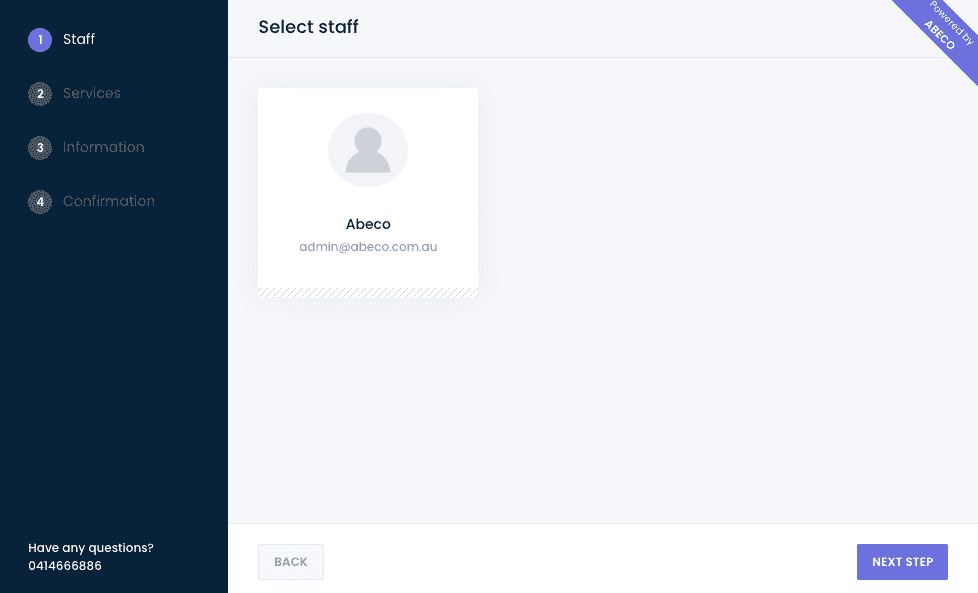
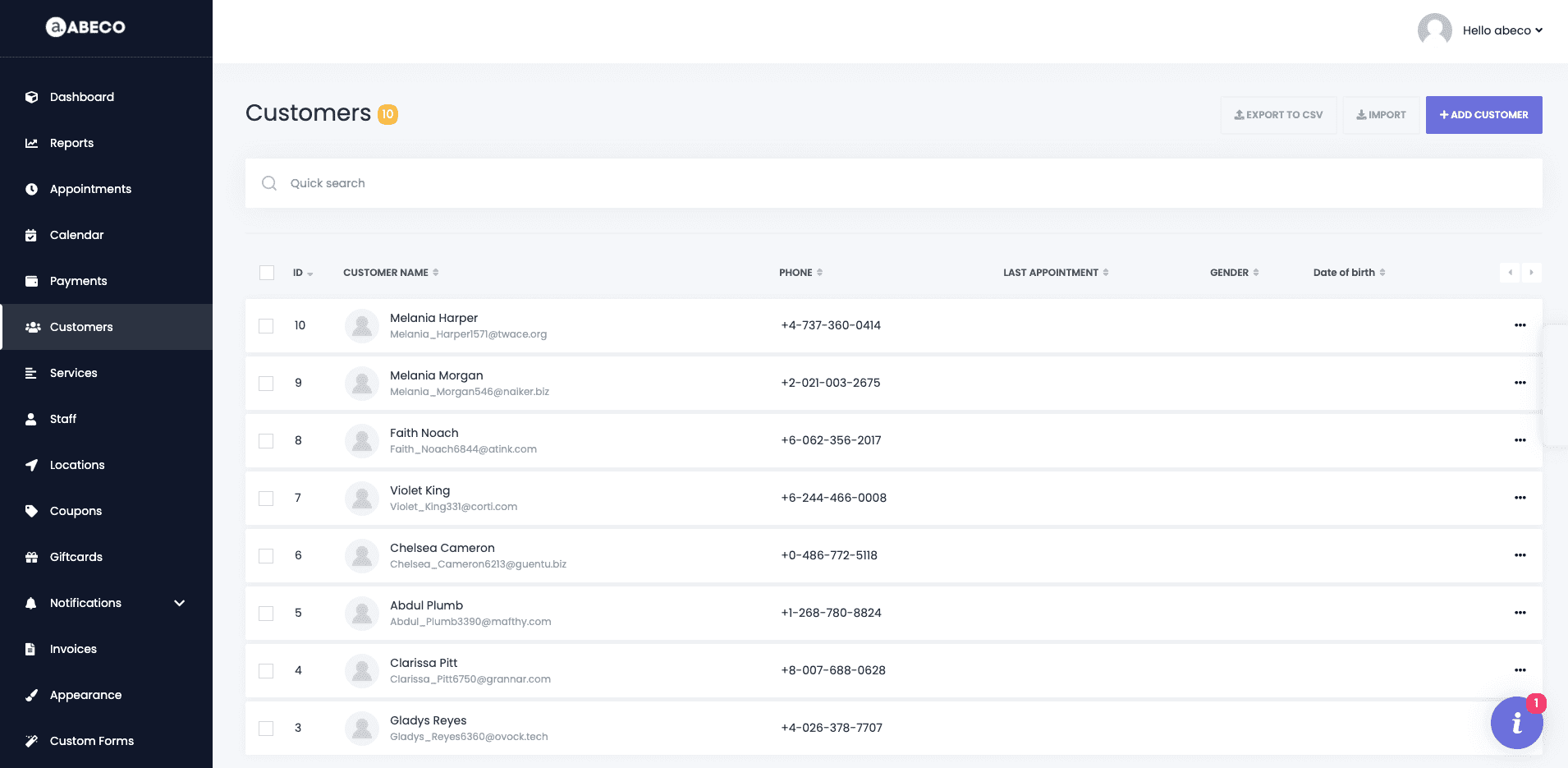
Clients Management
Abeco keeps track of all your clients’ information — contact details, visit history, last appointment, date of birth and notes — every time they check in or book, without extra effort from your team.
- Search, filter and export your client list
- Import clients when you switch from other software
- See lifetime value and preferred staff at a glance
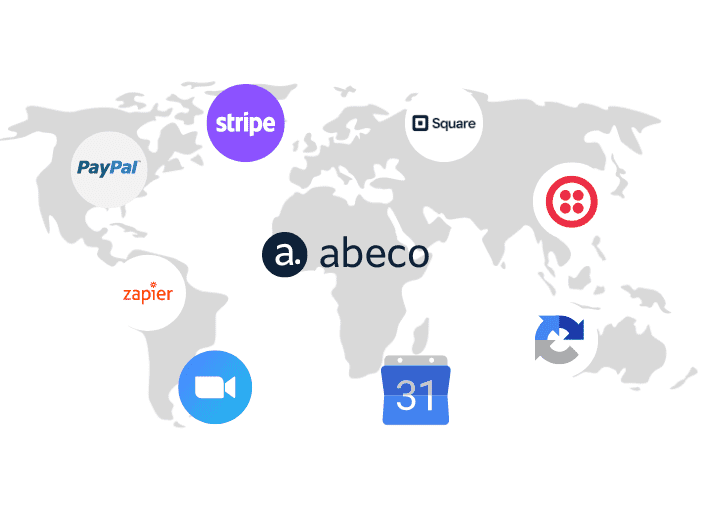
Integrated with the tech giants
By partnering with industry leaders, Abeco keeps your booking process up to date with the latest technology and standards, giving your customers the smoothest possible experience.
Explore every tool
Filter by what matters to you right now.

Calendar
With an up-to-date interface and informative calendar, you can see your team’s schedule — monthly, weekly or daily — together with check-in clients and booked appointments.

Recurring Appointments
Give your customers the power to choose their own repeating appointment days. They never have to worry about availability — they pick what works best for them.

Employee
Manage staff personal information, schedules, break time, vacation time and the services each person provides. Staff get their own login and a holiday feature.
Gift Cards
Forget paper gift vouchers. Create gift cards with a set amount; when a customer books or checks in with one, the payment comes straight out of the card balance.
Coupons
Create discount coupons for your customers — a percentage or a fixed amount — and run great deals while protecting your margins.

Notifications
Send Email/SMS notifications to customers and staff for new, changed, cancelled or rescheduled appointments — Abeco has you covered.

Reminders
Missed appointments cost you time and money. Remind customers in advance by SMS, email or WhatsApp — automatically.

Zoom Integration
Fully automate your online Zoom meetings: every virtual appointment gets its own meeting link, sent to both client and staff.

Multi Location
If your company operates in several locations at once, combine them in one system with shared clients and per-location reports.
No features match your search — try another word.
Included in every plan
Calendar
- View monthly schedule
- View weekly schedule
- View daily schedule
- Filter by location, services and staff
Staff
- Staff details
- Weekly schedule
- Special days
- Holidays
Services
- Service details
- Allocate services to specific staff
- Timesheet
- Extra add-on services
Reports
- Reports by number of appointments & check-ins
- Reports by appointment & check-in earnings
- Most earning locations
- Most earning staff
Email/SMS Notification
- New appointment
- Appointment rescheduled
- Approved / pending / rejected
- Appointment cancelled
- Reminder before the appointment
- Reminder after the appointment
Booking deposit payment
- Deposit by percentage or amount
- PayPal integration
- Stripe integration
Smarter every week
AI slot suggestions, no-show risk scoring, AI review replies and content ideas are built into your Abeco account — no extra app to learn.
Explore Abeco AI
How much are no-shows costing you?
Move the sliders to match your business. Everything is calculated in your browser.
Your estimate
Revenue lost to no-shows each yearEstimate only: appointments × 52 weeks × no-show rate × average value. Your results depend on your clients, reminder settings and cancellation policy.
Get started now!
Try Abeco free for 14 days — no credit card required. We will set everything up for you.